Arity — Routely
Migrating Routely without breaking trust
Designed the cross-platform UX for a major Routely data migration — moving partners onto a new schema without dropping a single user along the way.
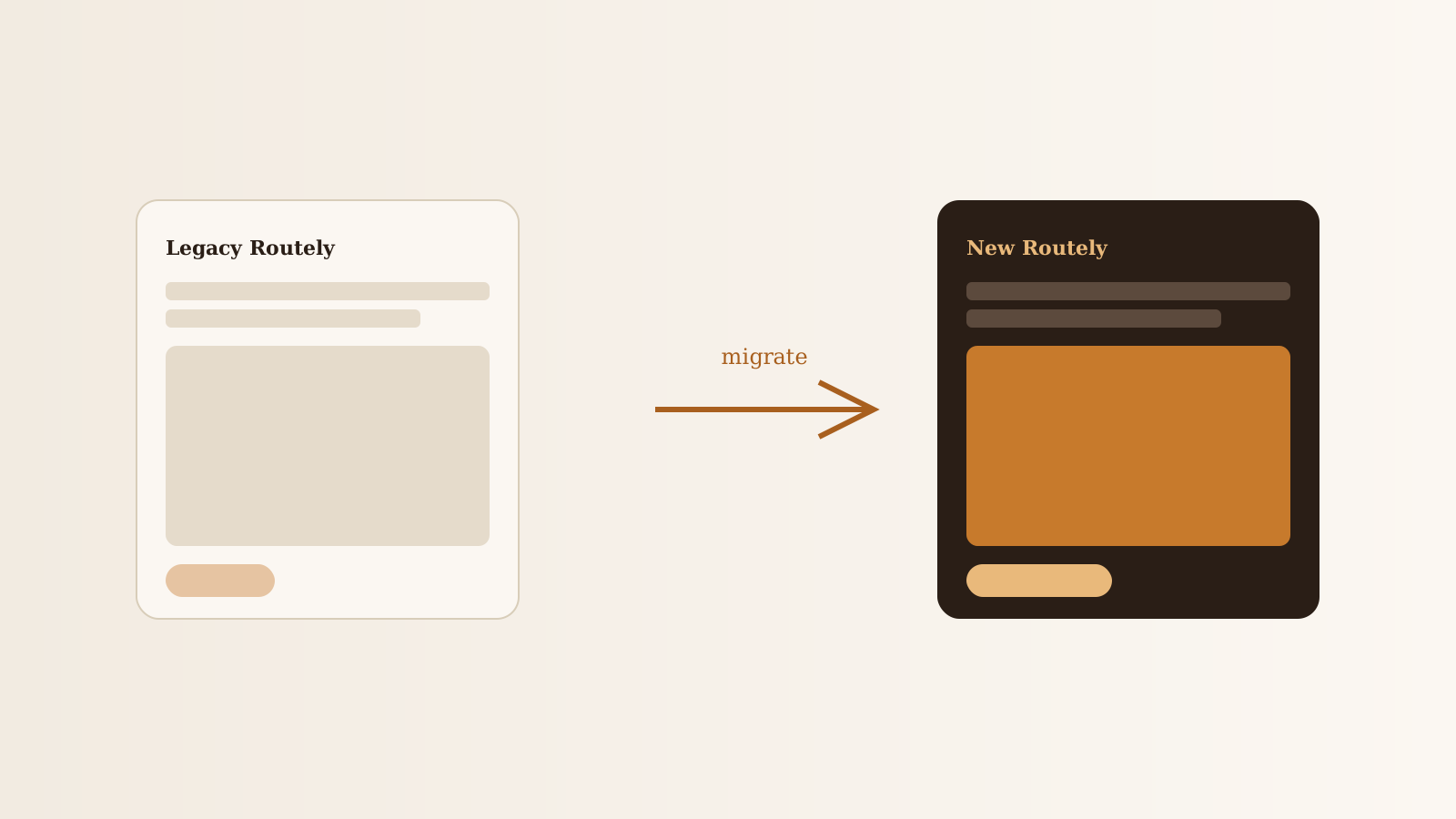
- 0 Visible regressions at launch Migration completed without a noticeable break in the user-facing experience.
- Multi-partner Apps switched over Including the OfferUp partner integration.
- 1 Reconsent flow Designed once, reused across every partner app.
TL;DR
- Migrated Routely's data layer across multiple partner apps without breaking the user-facing experience.
- Designed a reconsent flow that turned a legal moment into a reassurance moment.
- Built fallback, empty, and error states that made the migration invisible to end users.
The problem nobody wants to design
Migrations are the kind of project that succeed only by being invisible. The Routely platform was moving to a new data architecture — better performance, cleaner partner integrations, room to grow. But every partner app on the SDK had real users, real history, and real trust.
If we got it wrong, users would see broken history, missing trips, or confusing reconsent prompts. If we got it right, they’d see… nothing. That was the bar.
What I owned
- The end-state UX of the migrated experience across partner apps
- Migration onboarding and reconsent flows for users with active history
- Empty, fallback, and error states for every step where data could lag
- A small set of internal tools the partner-success team used to monitor and assist mid-migration
Process
1. Map the user’s journey, not the data’s journey
The engineering team had a beautiful migration plan. The user’s plan was much simpler: open the app, see my stuff. I worked backward from that — every migration phase had to land on at least one of three user-facing states:
- Same as before (migration already complete, user sees nothing)
- Loading with context (migration in progress, user sees a calm, branded loading state with an accurate ETA)
- Action needed (reconsent or version-update needed, user sees a single, honest prompt)
2. Turn reconsent into reassurance
Reconsent is where users most often churn. I designed a single reconsent flow — reused across every partner app — that:
- Explained what was changing in plain language
- Showed what was not changing (their trip history, their score, their data ownership)
- Gave a clear yes/no with no dark-pattern wiggle
3. Design every fallback like it’s the main screen
Every “loading” or “empty” state got the same care as the primary surface. If users were going to spend even thirty seconds in a loading state during the migration, it was going to be calm and on-brand, not a generic spinner.
Outcomes
- Migration completed across multiple partner apps with no visible regressions at launch
- The reconsent flow was authored once and reused across every partner integration, including OfferUp
- The internal partner-success tooling shortened the time-to-resolution on edge-case user issues during the rollout
Reflection
The lesson I carry from this work: in a migration, the highest-status design decisions are usually the loading states. They’re the ones the user actually sees when something feels off. Treat them like primary surfaces, and the whole migration feels invisible — exactly as it should.
Note: production migration screens and partner tooling are protected. The full walkthrough is available on request.